Python Automation on Cisco Router and Switches using SSH
Today in this article we will see how a python script automatically logs into a Cisco Router using ssh and configure a loopback interface.
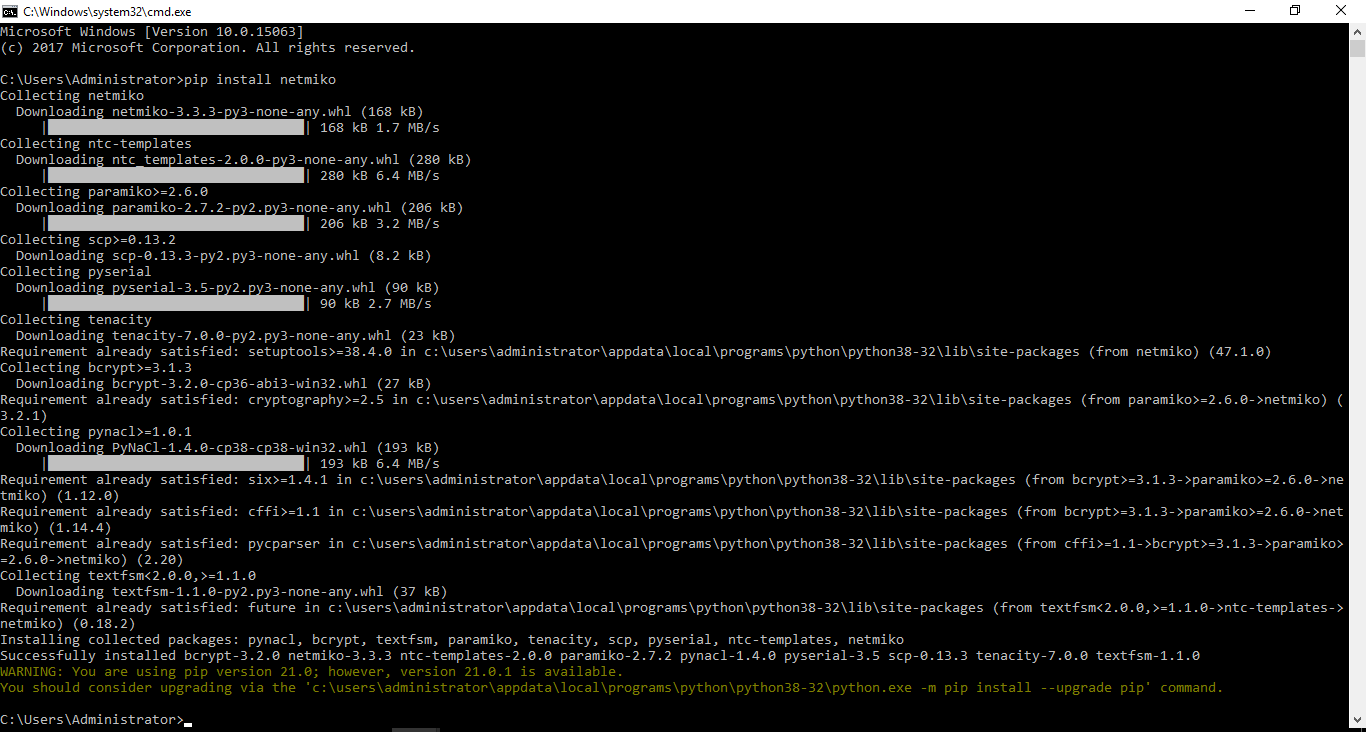
Pre-Requisite is to install Netmiko using the command “pip install netmiko” on your windows command prompt.
Here is the working Python script:
import netmiko
from netmiko import ConnectHandler

iosv_l2 = {
    'device_type': 'cisco_ios',
    'ip':   '192.168.1.50',
    'username': 'cisco',
    'password': 'cisco',
	'secret': 'cisco',

}

net_connect =ConnectHandler(**iosv_l2)
net_connect.enable()
output =net_connect.send_command('show ip int brief')
print(output)

config_commands = [ 'int loop 0', 'ip addre 1.1.1.1 255.255.255.0', 'no sh']
output = net_connect.send_config_set(config_commands)
print (output)
output =net_connect.send_command('show ip int brief')
print (output)
We are basically telling Python to do a SSH:
- SSH on 192.168.1.50.
- Pass the login credentials (username, password and enable password automatically) embedded in the script.
- Pass the command “show ip int brief” and print the output of the interfaces.
- Configure interface loopback 0 by passing the command “int loop 0“.
- Pass the configuration “ip addre 1.1.1.1 255.255.255.0” and no shut the interface.
- Print the above configuration (loopback 0) which was executed in the above step.
- Pass the command “show ip int brief” and print the output of the interfaces.
Here is the output of the Python script execution:
C:\Users\Administrator\Desktop\IOS>python SSH.py
Interface                  IP-Address      OK? Method Status                Protocol
Ethernet0/0                192.168.1.50    YES manual up                    up
Ethernet0/1                unassigned      YES NVRAM  administratively down down
Ethernet0/2                unassigned      YES NVRAM  administratively down down
Ethernet0/3                unassigned      YES NVRAM  administratively down down
Loopback0                  unassigned      YES manual administratively down down
configure terminal
Enter configuration commands, one per line.  End with CNTL/Z.
router(config)#int loop 0
router(config-if)#ip addre 1.1.1.1 255.255.255.0
router(config-if)#no sh
router(config-if)#end
router#
Interface                  IP-Address      OK? Method Status                Protocol
Ethernet0/0                192.168.1.50    YES manual up                    up
Ethernet0/1                unassigned      YES NVRAM  administratively down down
Ethernet0/2                unassigned      YES NVRAM  administratively down down
Ethernet0/3                unassigned      YES NVRAM  administratively down down
Loopback0                  1.1.1.1         YES manual up                    up

C:\Users\Administrator\Desktop\IOS>
HTH.

I am working in an IT company and having 10+ years of experience into Cisco IP Telephony and Contact Center. I have worked on products like CUCM, CUC, UCCX, CME/CUE, IM&P, Voice Gateways, VG224, Gatekeepers, Attendant Console, Expressway, Mediasense, Asterisk, Microsoft Teams, Zoom etc. I am not an expert but i keep exploring whenever and wherever i can and share whatever i know. You can visit my LinkedIn profile by clicking on the icon below.
“Everyone you will ever meet knows something you don’t.” ― Bill Nye

Pingback: Python Automation Script | Get Cisco Routers and Switches details in bulk